
US buying guide · Whole-bean coffee
What Is xBloom? Machines, xPods and Your Home Coffee Setup
Want to explore freshly ground filter coffee without managing every water pour? xBloom brings whole beans and automated pour-over together. Here is how to choose a machine, understand xPods and build a setup that fits your mornings.
By Emma Blake · Published October 15, 2026
Disclosure: We may earn a commission from qualifying purchases through xBloom links in this guide.
The quick decision: what kind of coffee do you want?
Consider xBloom if your ideal morning cup is freshly ground filter coffee and you want help with the weighing and pouring. Start with the coffee you enjoy drinking, rather than the number of features on a machine. A long, black coffee and a small espresso can both be excellent, but they ask different things of your equipment.
If you mainly drink cappuccinos or short espresso shots, pause before buying. Studio does not brew espresso. If you enjoy exploring beans from different roasters, however, its combination of grinder, scale and automated pour-over makes it worth a closer look. You are buying a different brewing routine, not a universal replacement for every coffee appliance.
This guide covers the US listings for Studio and Original, the xPod system, coffee choices and the accessories worth checking. Our recommendations are based on the published features and buying requirements; we have not performed a hands-on test of these machines. The practical question is whether their workflow suits your household.
xBloom Studio
Start here for automated filter coffee and the freedom to brew your favorite roaster’s beans.
$599 USD
US purchase price checked October 15, 2026. Prices and offers may change.
Pour-over coffee; does not brew espresso.
See current price on xBloom — xBloom Studio, opens in a new tab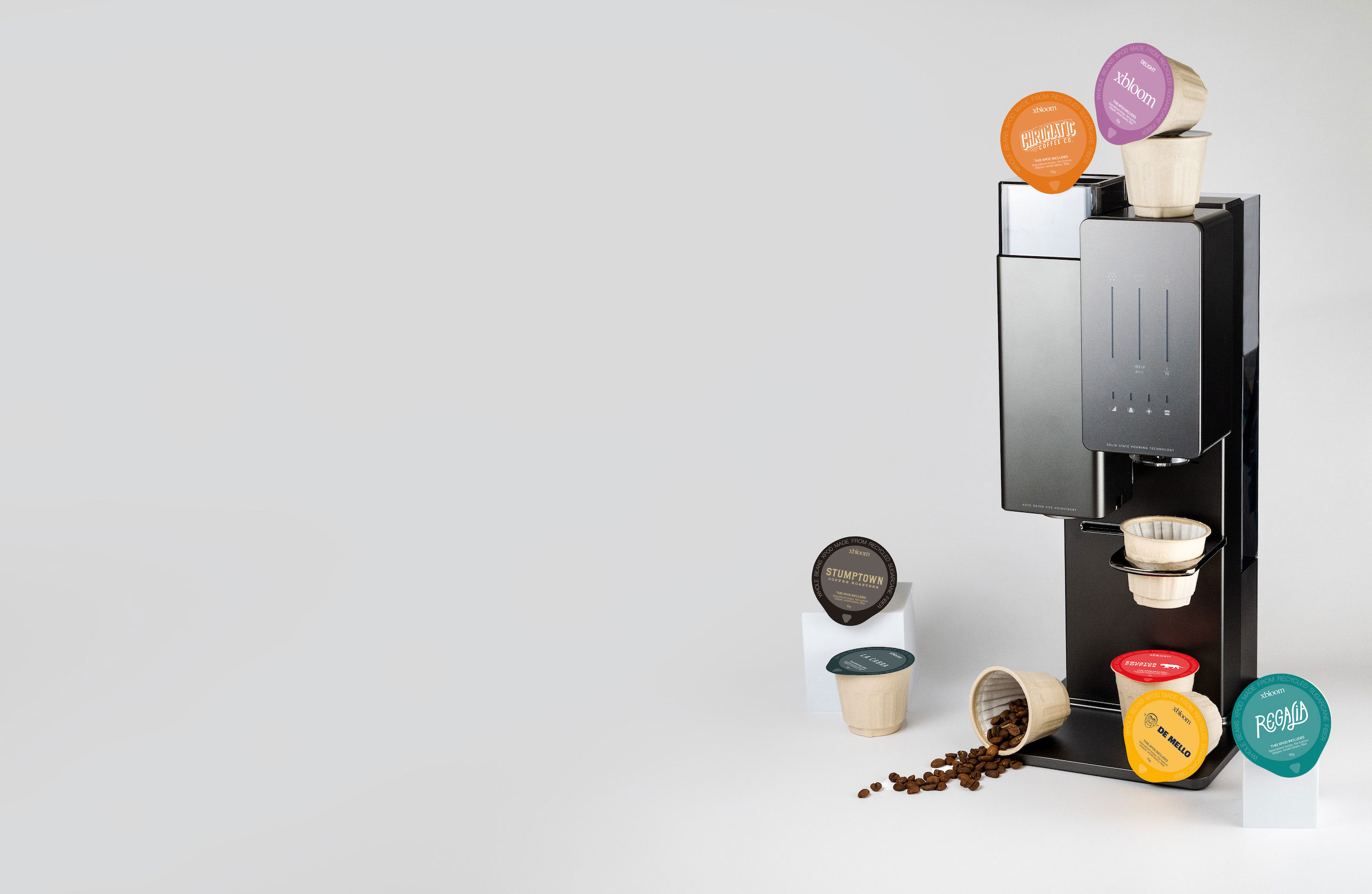
xBloom Original
Compare this model if you prefer xBloom’s metal design and xPod-led brewing approach.
$799 USD
US purchase price checked October 15, 2026. Prices and offers may change.
Own-bean accessories must match Original.
See current price on xBloom — xBloom Original, opens in a new tabWhat is xBloom, and what does the machine automate?
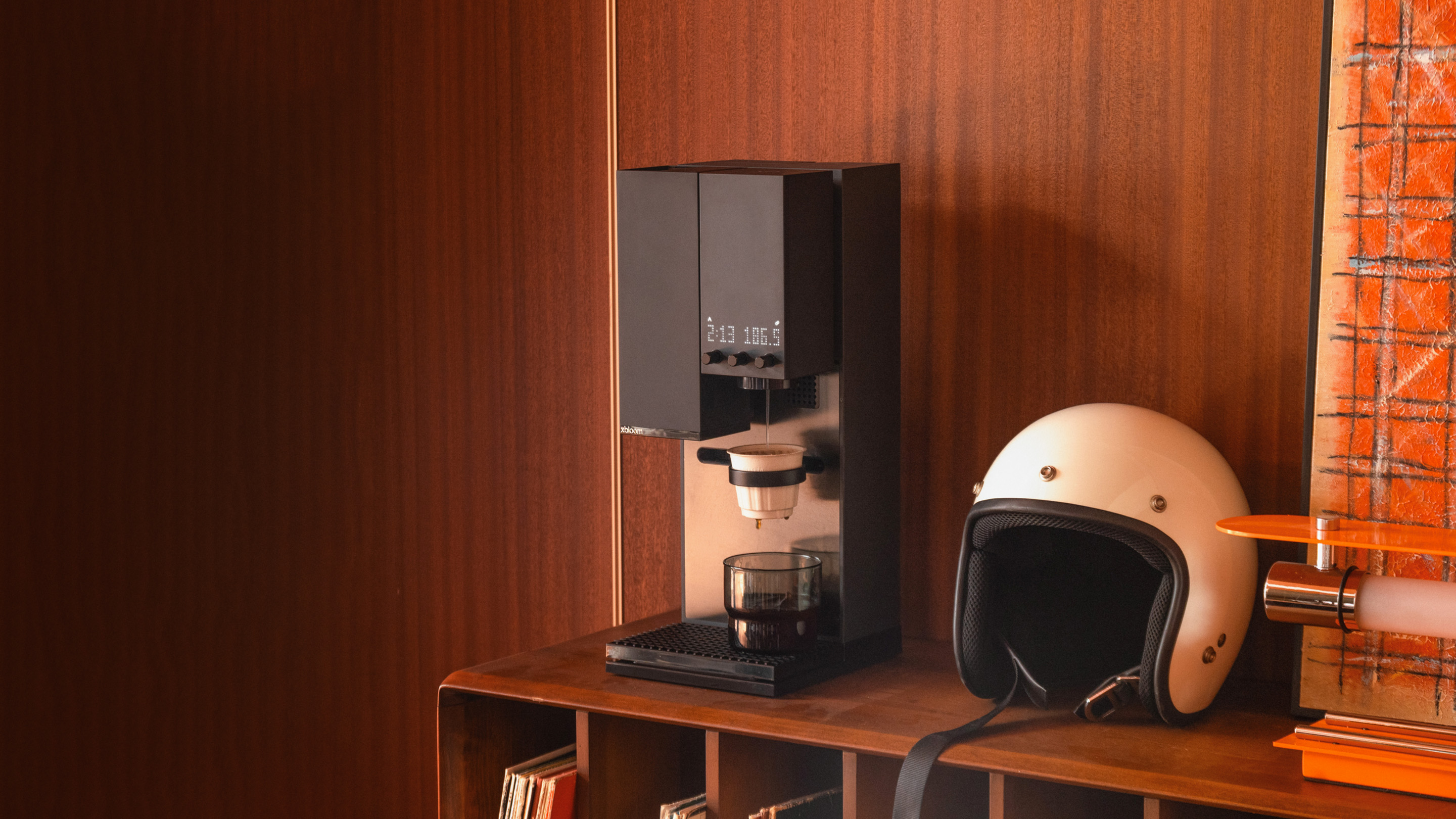
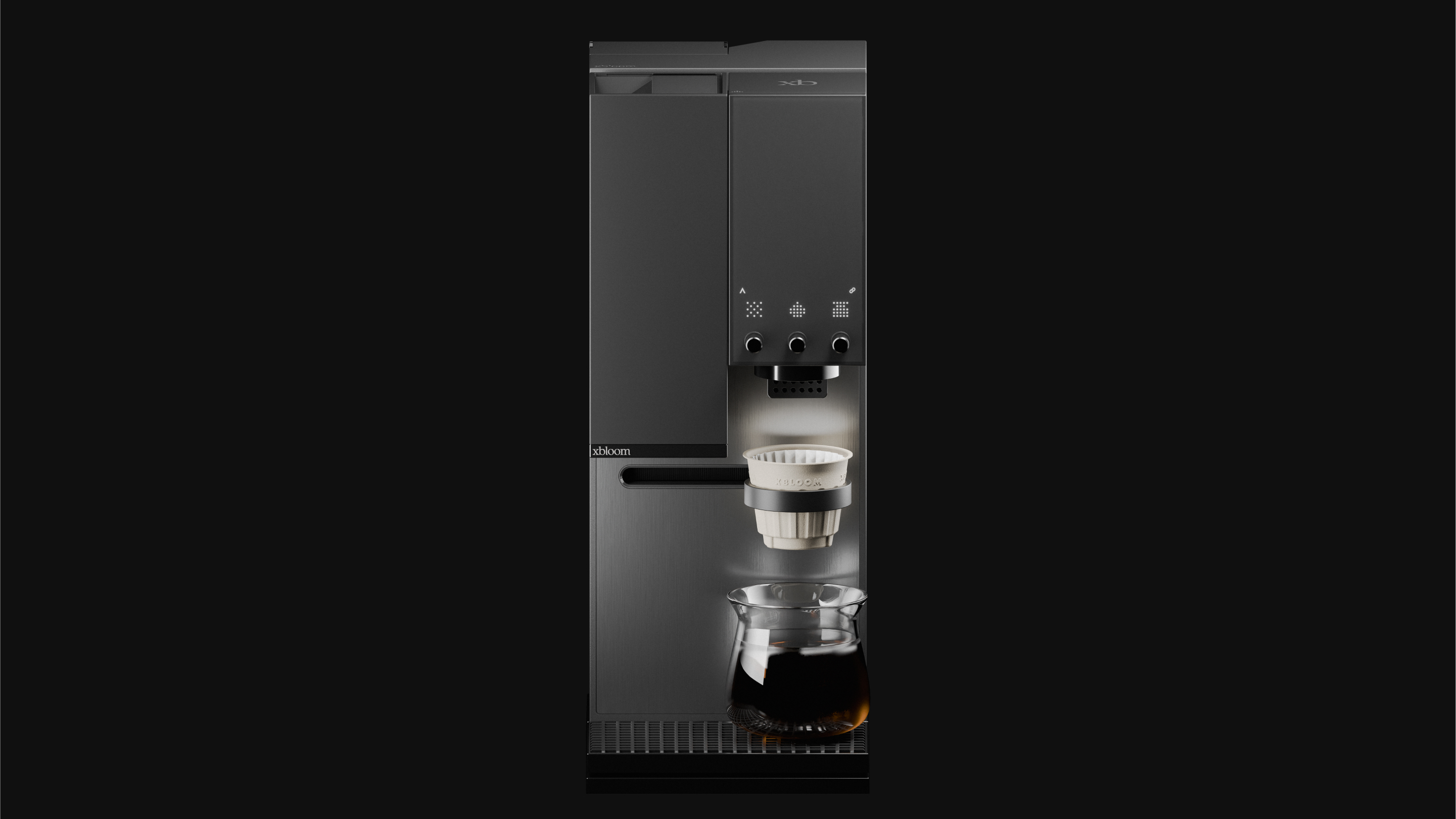
xBloom makes automatic pour-over coffee machines. Pour-over means hot water passes through ground coffee held in a filter. Studio brings the grinder, brewing system and scale together, so a recipe can coordinate stages that you would otherwise manage with separate equipment. Think of the appeal as assistance with a process, rather than a promise that every coffee will taste identical.
That matters when you like the idea of brewing with whole beans but find a manual setup inconvenient. With separate tools, you select a dose, weigh it, grind it and manage the water pours. Some people enjoy that ritual. Others would rather choose a coffee and let their equipment handle more of the execution. Decide which describes you before judging whether automation is worth paying for.
A machine can execute a recipe, but choosing a coffee still matters. A darker blend and a light, fruity coffee may call for different expectations and adjustments. Do not buy any machine on the assumption that it will turn a coffee you dislike into your favorite drink. Begin with familiar flavors, then explore gradually as you understand the setup.
The premium appeal is a more deliberate coffee routine with fewer separate tools to coordinate. It is strongest when you care about both the beans and the preparation. If your priority is simply the cheapest way to make a large pot, compare that need with a conventional filter coffee maker before committing to a single-cup specialty setup.
How is it different from Nespresso?
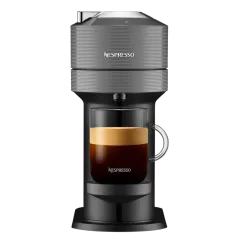
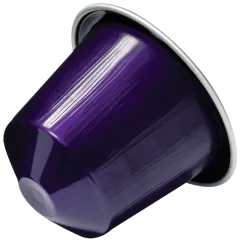
The important distinction is the brewing system. xBloom's xPods contain whole beans for grinding and filter brewing. Nespresso Original and Vertuo capsules belong to their own machine systems. An xPod is not a Nespresso-compatible capsule, and a Nespresso capsule is not a substitute for an xPod. Similar single-serve packaging does not make them interchangeable.
For a Nespresso owner, the interesting part is the move from choosing a capsule to choosing freshly ground coffee and a pour-over recipe. That may be attractive if you mostly drink black coffee and want to explore roasters. It is less compelling if the drinks you rely on are espresso-based and you are already happy with your capsule routine.
Consider the cleanup as well as the preparation. A convenient brewing cycle does not remove the need to deal with used coffee, filters and brewing equipment. Compare the actions you would perform every day, not just the time spent pressing the start button. The best system is one you will comfortably maintain on a busy weekday.
There is also no need to treat the choice as a complete replacement. A household might use one system for filter coffee and another for espresso. Whether that makes sense depends on space, budget and how often each drink is made. If you would rarely use the extra machine, a more expensive setup may add complexity without improving your mornings.
Freshly ground, single-cup filter coffee
- What to consider
- Explore xBloom and its bean/recipe workflow.
Espresso or espresso-based milk drinks
- What to consider
- Choose equipment designed for those drinks; Studio does not brew espresso.
Your current Nespresso capsule collection
- What to consider
- Keep it with the correct Original or Vertuo machine.
A large pot for several people
- What to consider
- Compare serving workflow with a batch filter brewer.
xBloom Studio: start here if you want flexible bean brewing
Start with Studio if you want automated filter coffee and the freedom to use your favorite roaster’s beans. Its grinder, scale and recipe controls bring the main stages together. The choice is especially relevant when your coffee collection changes: you can keep the machine while exploring different coffees and recipes.
The US product listing showed a $599 purchase price when checked on October 15, 2026. Treat that as a dated reference: selected colors, offers and availability can change. Compare the full checkout total with your budget, and separate an outright purchase from any rental or subscription option offered alongside it. Those are different commitments.
Ask how you would use its flexibility. If you regularly buy beans from a local roaster, being able to bring those coffees into the setup may be the reason to choose it. If you expect to use prepared xPod recipes instead, consider whether that convenience is the attraction. Both preferences are valid, but they lead to different coffee costs and daily habits.
Studio offers Autopilot, Copilot and Freesolo workflows. You can start with xPods, work with your own beans or take more control over the recipe. Recipe input includes NFC cards, the app and saved machine recipes. These choices give you different ways to approach brewing; you do not have to make every cup an experiment.
Before ordering, check the current box contents, the dripper and filters supplied, the US electrical specification, and the space around the machine. Make room for loading coffee and handling the brewing equipment, not just for the footprint. A suitable spot on the counter is part of the purchase decision, especially below cabinets.
xBloom Original: compare the actual model, not just the name
Original is the other machine in xBloom's current US catalog. Its listing showed $799 when checked on October 15, 2026. The name tells you which model it is; it does not establish that it is the better choice, and its higher listed price is not a substitute for checking the workflow and included equipment.
xBloom describes Original around its metal design and xPod-led simplicity. In its model comparison, the brand distinguishes Studio through a built-in scale, a larger reservoir and flexible mechanical pouring. That makes Studio our starting point for own-bean experimentation, while Original is a model to consider for a more pod-centered routine.
Original also has a separately listed Omni Dripper for own-bean use. Its accessory path therefore differs from Studio’s Omni Dripper 2. Compare the specific package and instructions before deciding that the two setups will feel the same. If the flexibility of local-roaster beans is your main reason to switch, make that a central part of the comparison.
If both models appeal, write down your three requirements first: for example, using local beans, a preferred control style and a budget ceiling. Compare each model against those requirements. It is easier to make a defensible choice that way than to compare long feature lists without knowing which differences affect your cup.
US purchase price, checked October 15, 2026
- Studio
- $599
- Original
- $799
Editorial starting point
- Studio
- Own-bean experimentation and integrated scale
- Original
- Metal design and an xPod-led routine
Own-bean dripper
- Studio
- Omni Dripper 2
- Original
- Omni Dripper for xBloom Original
Accessory selection
- Studio
- Use Studio-compatible products
- Original
- Use Original-compatible products
Reservoir comparison
- Studio
- Larger reservoir in the brand’s model comparison
- Original
- Smaller reservoir in the brand’s model comparison
Whole beans in a pod: what you are buying with xPods
An xPod combines a portion of whole coffee beans with a filter container and a recipe-led brewing workflow. The beans are ground before brewing, instead of arriving as the pre-ground coffee familiar from Nespresso capsules. The attraction is a prepared single-cup choice that still starts with whole beans.
Choose a coffee by what you enjoy, then check the pack format. The catalog includes Galactic and Sunrise from xBloom and coffees from roasters such as Onyx and Black & White. Those names are useful starting points, not a permanent inventory promise. Availability, batch options and the choice between xPods and bagged beans can change.
For your first order, a smaller selection is usually more informative than a large purchase based only on packaging. Try a familiar roast preference before a rare or unusual coffee. If you like chocolate-and-caramel descriptions, begin with listings in that direction; if you want fruit-led coffee, look at the roaster's notes. These are selection clues, not our personal tasting results.
Read the quantity carefully. A price for eight xPods is not the price of a single serving, and a bag of beans requires a different calculation. Check whether the page is showing a one-time order, a recurring subscription or a reserve for a later batch. Comparing headline prices without comparing what arrives in the box can lead to the wrong conclusion.
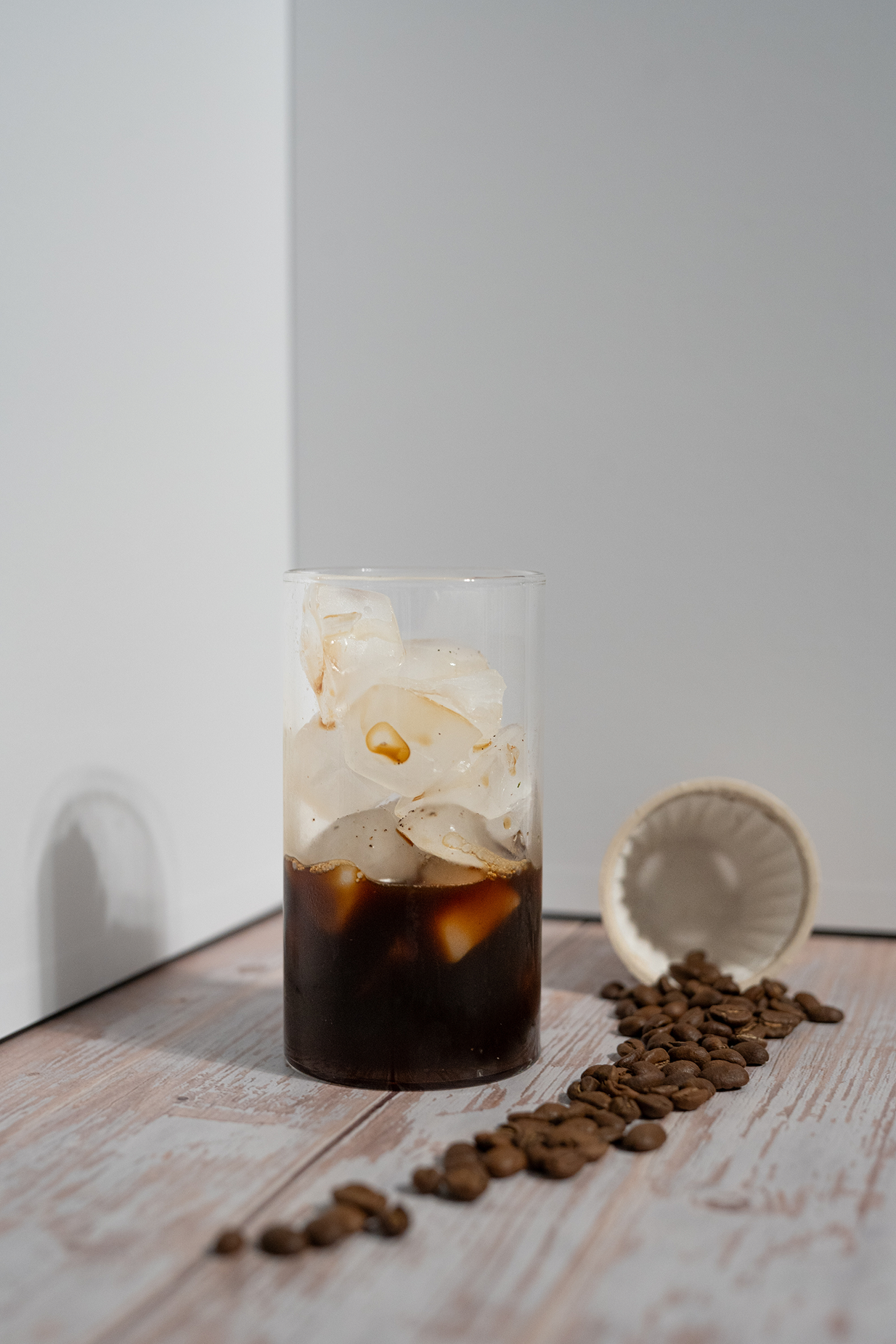
The photograph below shows whole beans beside an empty filter container and a prepared drink. It illustrates the coffee setup rather than promising a particular recipe or flavor. For your own order, the useful details remain the roast, serving format and quantity—not the color of the package alone.
Can you keep buying coffee from your favorite roaster?
Studio supports brewing with your own coffee beans. For a buyer who already has a favorite roaster, that is a substantial part of its appeal. You can evaluate the machine as a way to prepare coffees you already enjoy instead of assuming ownership requires a continuing supply of xPods.
Check the complete own-bean workflow before deciding. You need the correct brewing equipment and filters, and a suitable recipe for your coffee. The Omni Dripper 2 is listed for Studio; Original has a separately named Omni Dripper. Confirm what is already included in your machine package before buying an extra accessory.
Start simply. Use a coffee whose flavor you know, follow the official setup instructions and change one variable at a time if you want to adjust the result. Keep a short note of the recipe and your preference. It is much harder to learn what changed when you switch the beans, grind and water settings together.
Flexibility does not automatically make this the lowest-cost way to brew. Your usual coffee price, serving size and use of filters determine the ongoing expense. The reason to consider your own beans may be taste choice, convenience or support for a local roaster. Work out the financial benefit with your own numbers rather than assuming a saving.
Which accessories belong in your first order?
Build the smallest setup that supports your intended coffee routine. The useful first purchase is the machine and whatever its chosen brewing method genuinely needs. A large accessory basket is not proof of a better cup. Open the current box-contents list first, then decide what is missing.
For own-bean use, verify the dripper and paper-filter fit. The store lists both flat-bottom and conical paper filters; the shape matters. Pick the filter specified for your dripper rather than treating all paper filters as interchangeable. For a replacement dripper, the model name is more important than color or appearance.
Maintenance products include Active Descaling Powder and Grinder Cleaning Tablet. Follow the manufacturer's instructions for the relevant task and component. Do not treat a grinder-cleaning product as a descaling substitute, or assume a cleaner used for another machine is suitable here. A small amount of planning is more valuable than buying several cleaners without checking their purpose.
The Box organizer, Passenger Tumbler and model-specific travel cases are separate lifestyle choices. They may be useful if they solve a real storage, drinking or transport need, but they are not the starting point for deciding whether to buy the machine. For a gift, coffee and a correctly matched accessory are easier to evaluate once you know the recipient's setup.
- Confirm what the machine package already includes.
- Match dripper and filter shape to the exact model.
- Choose maintenance products by the official instructions.
- Add organizers, drinkware and travel equipment only for a specific need.
What will your daily cup actually cost?
Separate the upfront price from the ongoing coffee bill. The machine is one purchase; coffee, filters and maintenance are continuing costs. For a useful comparison with your current routine, use the number of cups you make on an ordinary week rather than the maximum number you imagine making after buying a new appliance.
A simple xPod calculation is pack price divided by the number of xPods. The catalog showed Galactic at $14 for eight and Onyx Southern Weather at $17 for eight when checked October 15, 2026: approximately $1.75 and $2.13 per serving before shipping, tax or offers. These are examples, not a fixed cost for every coffee or future order.
For bagged beans, divide the bag price by its weight to find a cost per gram, then multiply by the dose you use. Add the cost of a filter where applicable. Use the dose specified for your chosen recipe; do not assume every coffee and serving uses the same amount. That calculation also works for coffee from a local roaster.
To make the arithmetic concrete, an illustrative $18 bag containing 340 grams with a 15-gram serving costs about $0.79 in beans per cup. That is a hypothetical budget example, not a live xBloom product price or a prescribed dose. Twenty such servings would consume 300 grams and leave some coffee in the bag.
Include shipping thresholds, tax and any recurring commitment in the final decision. Subscription pricing can look lower per order while involving repeat deliveries. A machine rental is different again. Compare like with like, and read the renewal, cancellation and return details for the exact option you select.
Five questions to answer before you buy
First, what drink do you want most days? If the answer is filter coffee, continue evaluating xBloom. If it is espresso or a cappuccino built around espresso, make sure you are comparing equipment that produces that base. An attractive machine is not a bargain if it changes your morning drink into something you do not prefer.
Second, who else uses the setup? A single person exploring coffees and a household making several cups before work may value different workflows. Think through repeat cups, clearing the brewing area and keeping coffee supplies ready. Watch a demonstration of those actions instead of judging the machine only from the hero photo.
Third, do you want prepared coffee choices or your own beans? Decide what you expect to order after the first month. Fourth, where will the machine live? Consider loading and cleanup space as well as dimensions. Fifth, what is your complete budget, including the coffee you actually want to buy?
Once those answers are clear, revisit the product page for the selected variant, box contents, current price and applicable US shipping and return terms. Buying from the linked store is the next step, not a substitute for that check. Take a moment to verify the order matches your intended workflow before checkout.
Choose the coffee routine first, then the machine
xBloom is worth investigating when you want freshly ground filter coffee and appreciate assistance with the brewing process. Studio is the starting point in this guide for a flexible own-bean setup; Original deserves a separate workflow comparison if its design and model-specific approach appeal to you. Choose the model against your requirements, rather than choosing by price or name alone.
If you are already satisfied with capsule espresso, there is no need to upgrade simply because another system looks more elaborate. If you are curious about whole beans and pour-over, however, compare the current listings and picture the setup in your own kitchen. The strongest reason to buy is a routine you will enjoy using every day.
xBloom Studio
Start here for automated filter coffee and the freedom to brew your favorite roaster’s beans.
$599 USD
US purchase price checked October 15, 2026. Prices and offers may change.
Pour-over coffee; does not brew espresso.
See current price on xBloom — xBloom Studio, opens in a new tabxBloom Original
Compare this model if you prefer xBloom’s metal design and xPod-led brewing approach.
$799 USD
US purchase price checked October 15, 2026. Prices and offers may change.
Own-bean accessories must match Original.
See current price on xBloom — xBloom Original, opens in a new tabFrequently asked questions
Is xBloom a Nespresso capsule machine?
No. xBloom is a pour-over system. Its xPods contain whole coffee beans, and they are not interchangeable with Nespresso Original or Vertuo capsules.
Does xBloom Studio make espresso?
No. Studio brews pour-over coffee. Grinding beans for a separate espresso machine is different from brewing espresso in Studio.
Do I have to keep buying xPods?
Studio also supports your own coffee beans. Check the dripper, filters and recipe workflow for that setup before ordering; Original has its own model-specific accessories.
How much do the machines cost in the US?
The US purchase listings showed Studio at $599 and Original at $799 when checked on October 15, 2026. Prices and selected variants may change; check the store for the current total.
Should I buy accessories with the machine?
Check the current box contents first. Add only what your chosen brewing method needs, and match accessories and filters to your exact model.
Has WhichCapsule tested these machines?
This is a buying guide based on published product information and US store listings, rather than a hands-on machine test or a personal coffee tasting.