
Both are quick to fix at home. The rarer causes are scale, a brewing unit that is not closing fully, a full drip tray or maintenance container, and a machine that has slipped into its cleaning or descaling program. A machine that keeps running with nothing changing is the one case where you should unplug it straight away.
Below is a table of symptoms and fixes, then each check in turn: the button settings on Original machines, the pod size on Vertuo, a blocked outlet, the cleaning program, scale, and finally a reset or a support call. The Amazon cards are pods and, at the end, replacement machines. Prices change often; the cards show Amazon's current price.
Nespresso won't stop brewing: symptom, cause, fix
Original: espresso or lungo is suddenly too long
- Likely cause
- Cup button reprogrammed by holding it
- First fix
- Reprogram the button or restore factory volumes
Vertuo: cup overflows with one pod size
- Likely cause
- The pod brews more than the cup holds
- First fix
- Match the cup to the pod size on the sleeve
Coffee spills over the top or around the head
- Likely cause
- Blocked outlet or grounds in the head
- First fix
- Unplug, clean the outlet and the head
Water keeps flowing with no pod
- Likely cause
- Cleaning or descaling program running
- First fix
- Let it finish or switch off; check the manual
Slow, long pours that get worse
- Likely cause
- Scale building up
- First fix
- Descale, then rinse
Water pools under the machine
- Likely cause
- Full drip tray or maintenance container
- First fix
- Empty and dry them
Work down the table in order. If the machine keeps pumping and none of this applies, unplug it and contact Nespresso.
Original machines: the cup button was reprogrammed
Original machines let you set your own cup size. Nespresso's FAQ describes it: hold the espresso or lungo button down while the coffee pours and release it when the cup is full; the machine remembers that amount. Holding a button a little too long while cleaning or pressing it by accident can save a much bigger volume, so the next cup simply keeps going.
To fix it, reprogram the button: insert a capsule, hold the button and let go at the amount you want. Or restore the factory settings, which Nespresso puts at about 40 ml (1.35 oz) for espresso and 110 ml (3.7 oz) for lungo on most Original machines. The button sequence for a reset differs by model; our Nespresso reset guide lists them.
If a lungo pod tastes thin and bitter, check the button too. Running an espresso capsule on the lungo button pushes too much water through it, which our guide to why Nespresso coffee suddenly tastes bad covers in more detail.
WhichCapsule note: Hold the button and release at the amount you want, or restore the factory volumes.
View on Amazon
Paid links. Prices can change; the price at checkout applies.
Vertuo machines: the pod decides how much it pours
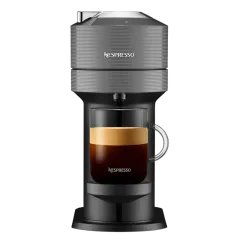
A Vertuo does not have a volume button. The barcode on each pod tells the machine how much to brew, from an espresso of about 40 ml (1.35 oz) to an Alto or carafe pod of several hundred milliliters. If one pod overflows your cup and others do not, the pod is simply larger than the cup, not faulty.
Check the size printed on the sleeve and use a mug that fits it, or slide out the cup support on models that have one. Vertuo pod sizes explained lists the volume of each size. A pod from the wrong sleeve in a mixed box is a common surprise.
WhichCapsule note: On Vertuo, overflow from one pod size means the cup is too small for that pod.
View on Amazon
Paid links. Prices can change; the price at checkout applies.
Coffee backing up: clean the outlet and the head
If coffee spills over the top of the cup holder, around the head or out of the back, the coffee is not leaving through the outlet fast enough. Unplug the machine, let it cool, empty the drip tray and capsule container, and look at the spout. Grounds or dried coffee there make the flow back up into the head.
Flush the outlet with warm water; owners on iFixit describe using a kitchen baster to push water through it. On Vertuo machines, open the head and check that the capsule holder spins freely and that no used pod is stuck inside. On Original machines, check that the lever closes fully and that the last capsule dropped into the container. Our Nespresso leaking guide covers water coming from other places.
On a Vertuo Up, Nespresso's assistance pages also mention the maintenance module at the back, which should be emptied every two to three days. A full one can make water appear under the machine.
WhichCapsule note: Unplug, clean the spout and the head, and make sure the head or lever closes fully.
Water keeps flowing: the cleaning program or scale
Several quick presses of the button start the cleaning or descaling program on many Nespresso machines. In that mode the machine pours a long run of hot water with no capsule, which looks like a fault if you did not mean to start it. Let it finish or switch the machine off, and check the manual for how your model enters and leaves that mode.
Scale makes pours slower and longer over time, and it can confuse the flow sensor on some models. If the machine has not been descaled in months, especially with hard water, run a full descale and rinse. Our step-by-step descaling guide covers every model.
WhichCapsule note: Water without a pod usually means a program is running; slow, long pours usually mean scale.
When it still will not stop: unplug, reset or replace
If the machine keeps pumping water and does not stop on its own or when you press the button, unplug it and do not use it again until it has been checked. That points to a fault in the electronics or the flow meter, not a setting. Try a factory reset first once it has cooled; if the problem comes back, contact Nespresso support with the serial number from the base.
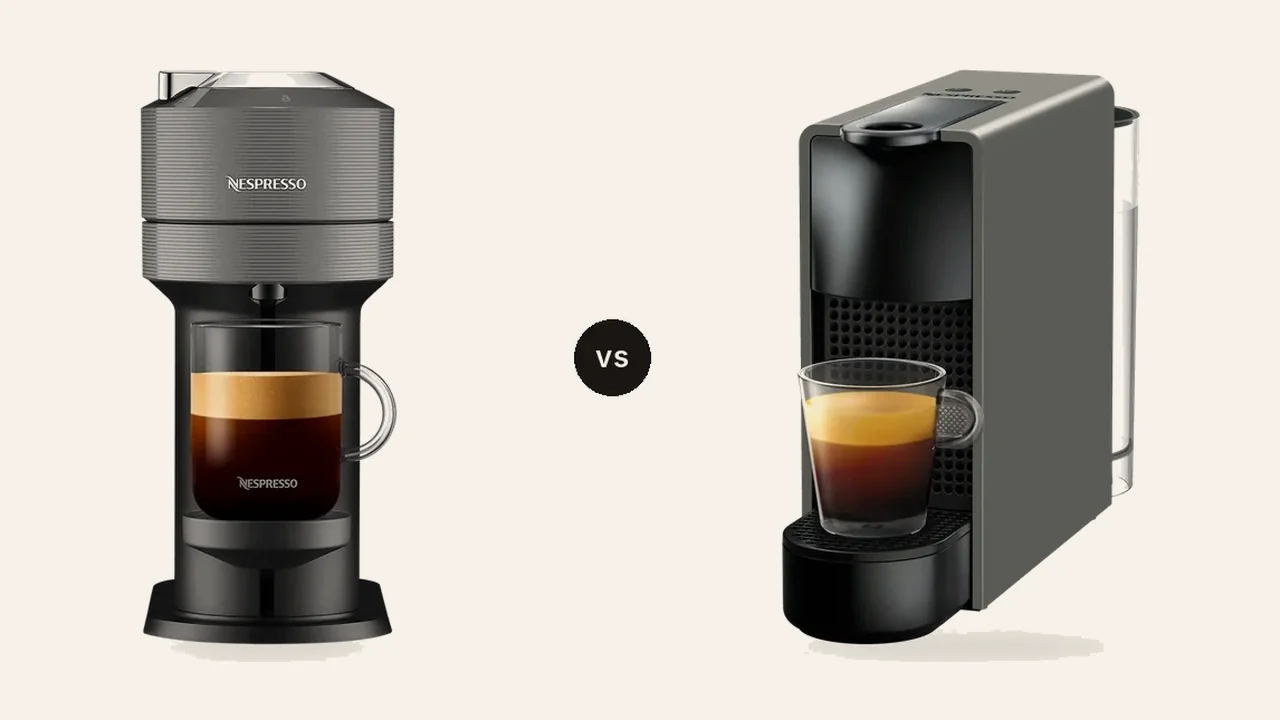
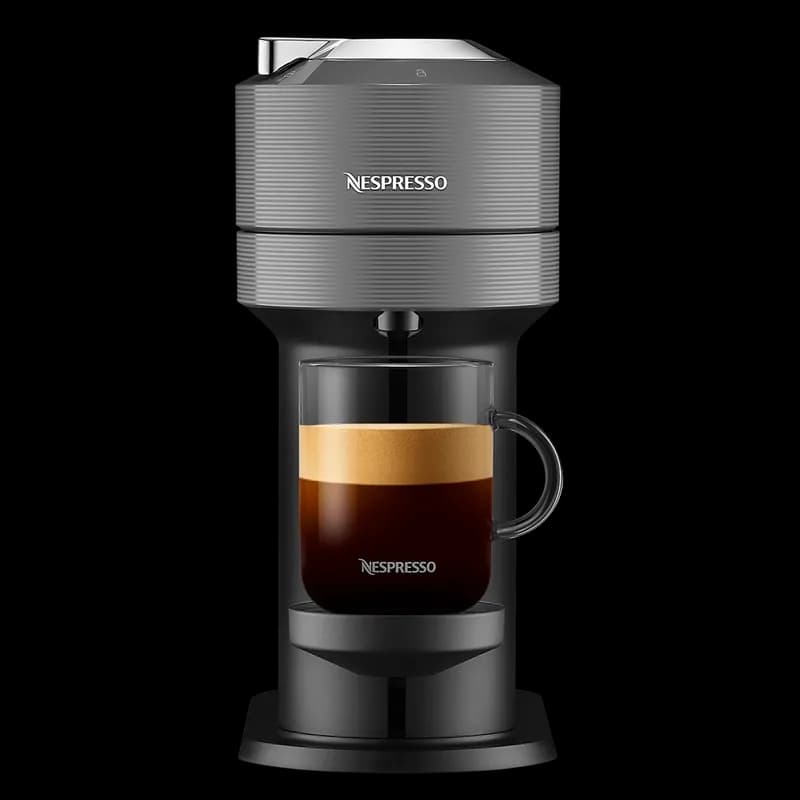
Under warranty, Nespresso will usually repair or exchange the machine. Out of warranty, compare the repair quote with a new machine. The Essenza Mini and the Vertuo Next are the usual replacements in each system and brew the capsules you already have.
WhichCapsule note: A machine that pumps nonstop needs unplugging and a support call, not more cleaning.
Compare on Amazon

Paid links. Prices can change; the price at checkout applies.
What people actually ask
Why does my Nespresso keep pouring coffee?
On Original machines the cup button was probably reprogrammed by holding it. On Vertuo machines the pod sets the volume, so check that the cup fits the pod size.
How do I reset the cup size on a Nespresso Original?
Hold the espresso or lungo button while it pours and release at the amount you want, or restore the factory volumes of about 40 ml and 110 ml.
Why does my Vertuo overflow the cup?
Each pod tells the machine how much to brew. A large pod in a small cup overflows; a blocked outlet can also make coffee back up into the head.
Why is my Nespresso pouring water with no capsule?
Several quick button presses start the cleaning or descaling program on many models. Let it finish, or switch the machine off and check the manual.
Can scale make a Nespresso pour too much?
It can make pours slower and longer, and confuse the flow sensor on some models. Descale and rinse if it has been months.
When should I contact Nespresso?
When the machine keeps pumping and will not stop, or when the problem returns after cleaning, descaling and a reset. Unplug it first.
Who should buy which version
- Original machine, cups suddenly too long: reprogram the button or restore the factory volumes.
- Vertuo, one pod overflows: use a larger cup for that pod size; nothing is broken.
- Machine pumps nonstop: unplug it, then reset; if it returns, contact Nespresso before using it again.
The bottom line
A Nespresso that will not stop brewing is usually set up wrong, not broken. Reprogram the button on an Original machine, match the cup to the pod on a Vertuo, clean a blocked outlet, and descale if pours have been getting slower. Only a machine that pumps nonstop needs unplugging and a support call.
If you end up replacing it, the machine finder compares current Original and Vertuo models by cup size, milk drinks and counter space.
View the picks on Amazon
Paid links. Prices can change; the price at checkout applies.