

The quick answer, machine by machine
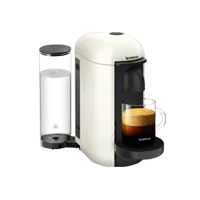
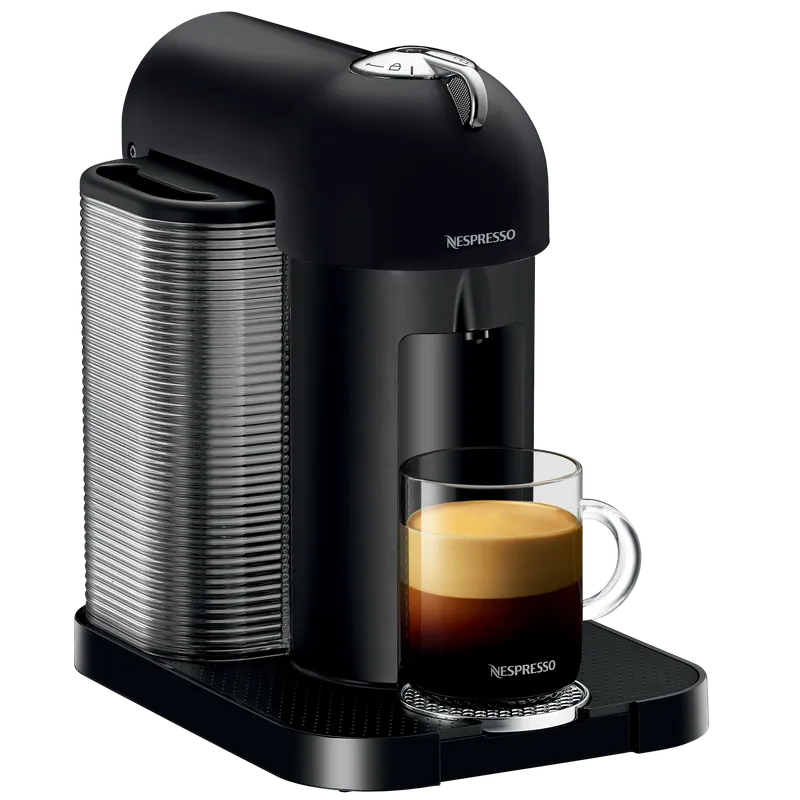
Vertuo Up
- Coffee Creations mode?
- Yes, dedicated button
- How to turn it on
- Press the Coffee Creations button
- Largest cup on the US page
- Carafe, 18 oz
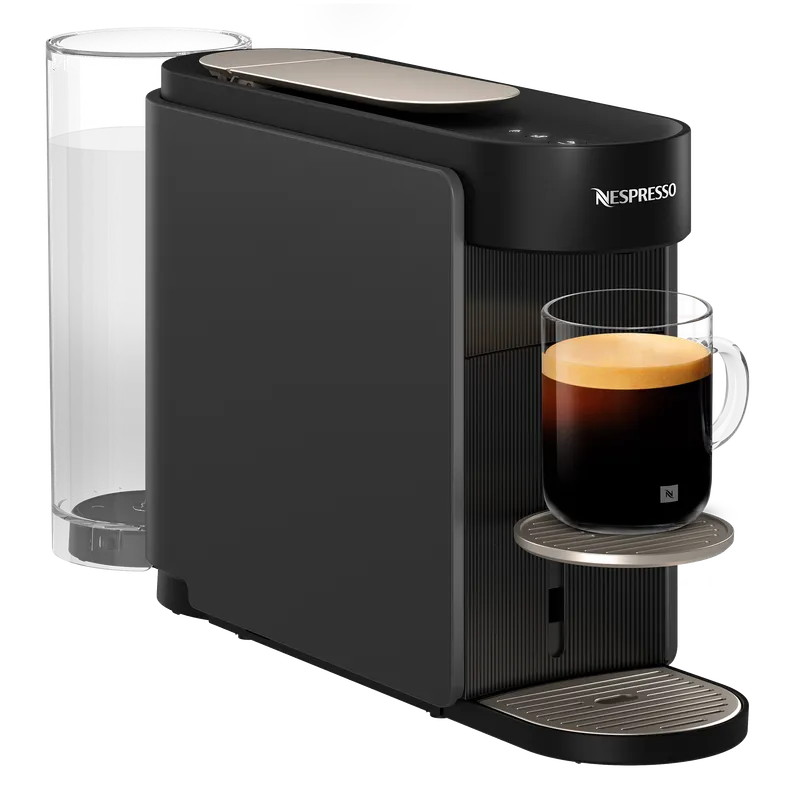
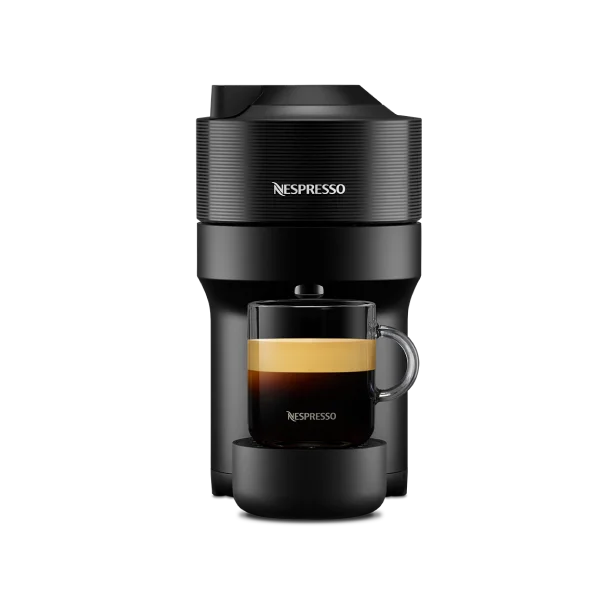
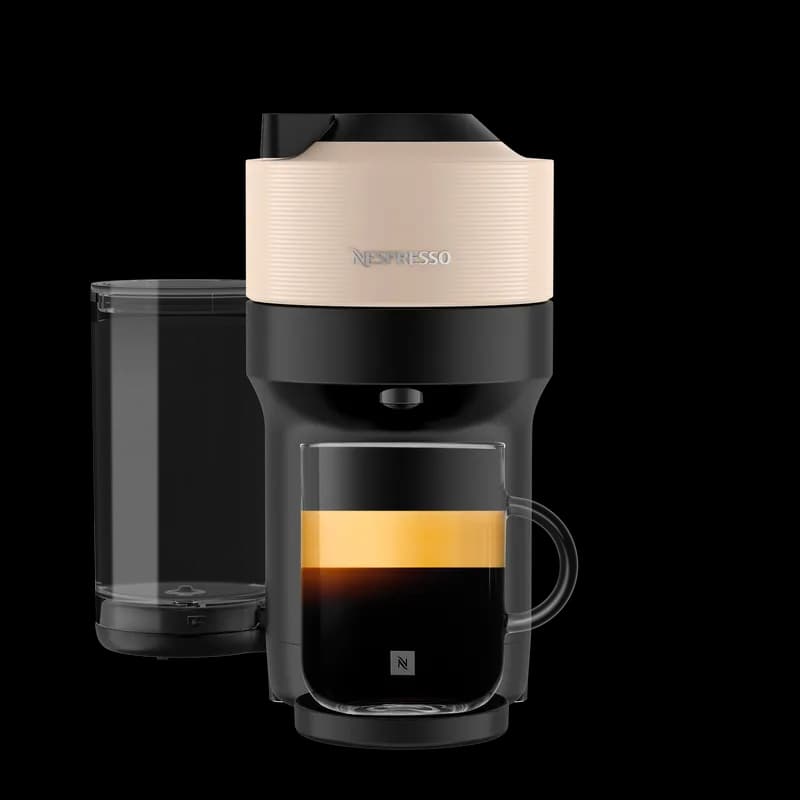
Vertuo Pop+
- Coffee Creations mode?
- Yes, per the June 2025 manual
- How to turn it on
- Double-click the coffee button; the light blinks turquoise
- Largest cup on the US page
- 12 oz mug (the carafe accessory does not fit)
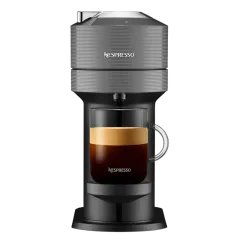
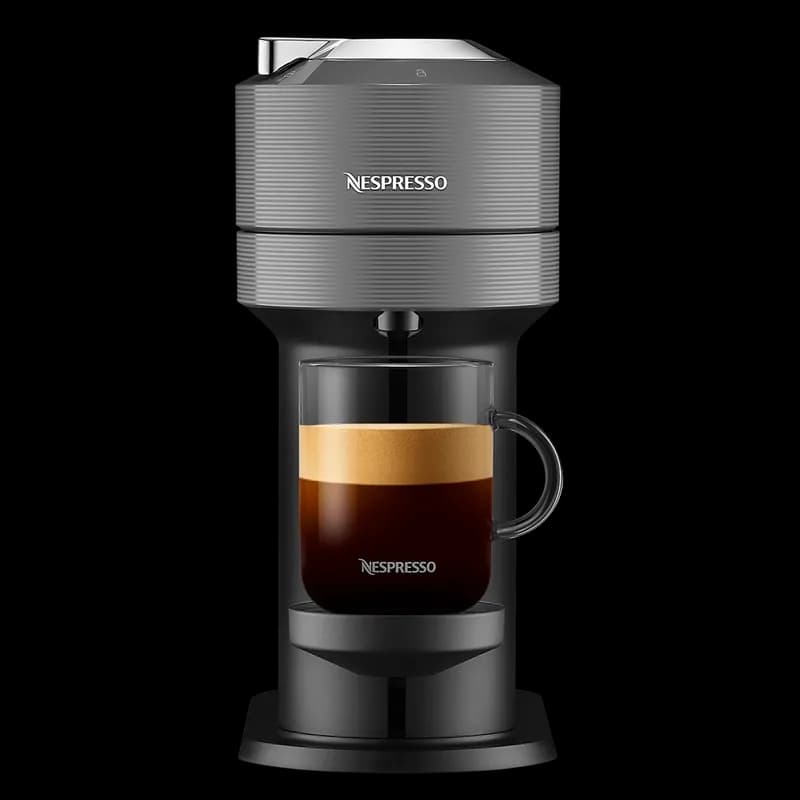
Vertuo Next
- Coffee Creations mode?
- Yes, per the June 2025 manual
- How to turn it on
- Double-click the coffee button; the light blinks turquoise
- Largest cup on the US page
- Carafe, 18 oz
Vertuo Creatista
- Coffee Creations mode?
- Not mentioned on the US page
- How to turn it on
- Check the manual for your machine
- Largest cup on the US page
- Carafe, 18 oz
VertuoPlus, Vertuo Lattissima, original Vertuo Pop, Evoluo
- Coffee Creations mode?
- Not confirmed by us
- How to turn it on
- Check the manual for your machine
- Largest cup on the US page
- Varies
We checked Nespresso's US product pages and the current manuals on November 16, 2026. Where a page or manual says nothing either way, we say so rather than guess. Nespresso's machine assistance page has the manual for every model; search it for "Coffee Creations" or "concentrated".
What Coffee Creations mode actually does
The mode brews the same capsule as a more concentrated coffee. Nespresso describes it as a stronger base for recipes with add-ons: milk, cream or ice. The reason is simple. A normal mug-size Vertuo coffee poured over a glass of ice melts some of that ice and ends up thinner than you expected; the same goes for a splash of cold milk in a large cup. Brewing a more concentrated coffee leaves room for the ice or milk without the drink tasting watered down.
It is not a cold brew program and it does not chill the coffee. The machine still brews hot; you add the ice or the milk afterwards.
How to turn it on
On the Vertuo Up, Nespresso gives the mode its own button. The US product page puts it this way: tap into Coffee Creations mode for a more concentrated brew over ice. Insert the capsule, close the head, then press that button instead of the regular brew button.
On the Vertuo Pop+ and Vertuo Next, there is no extra button. Both manuals give the same steps: with the machine on, a capsule inserted and the head closed and locked, double-click the coffee button. The light blinks turquoise and the brew is concentrated. If you only see the normal white light, the double-click was too slow or the machine needs an update (see below).
Which pods to skip in this mode
The Vertuo Pop+ manual is explicit: Nespresso does not recommend brewing XL capsules (it names Alto Ambrato and Alto Onice), Cold Brew Style capsules or Carafe Pour Over Style capsules with Coffee Creations mode. Those pods are built for a large volume or a specific cold recipe already. Use the mode with the regular coffee-size and espresso pods you would normally pour over ice or into milk.
If the mode does not appear: update the machine
Both the Vertuo Pop+ and Vertuo Next manuals say an update of the machine through the Nespresso app may be necessary to enable the mode. If double-clicking does nothing on a machine you bought a while ago, connect it to the Nespresso app and let it update before deciding the feature is missing.
What the colored lights mean on a Vertuo Pop+
Steady white
- Meaning (per the June 2025 manual)
- Ready, normal brew
Blinking turquoise (blue)
- Meaning (per the June 2025 manual)
- Coffee Creations mode is on
Blinking orange
- Meaning (per the June 2025 manual)
- Connectivity is off or the machine needs descaling
If your Pop+ shows blue and you did not mean to switch it on, you probably double-clicked. Our Vertuo blinking lights guide covers the other warning lights.
Does this change which machine you should buy?
Only if iced drinks or milk drinks are a big part of your week. The Vertuo Up is the one machine where the mode has its own button and where the US page also lists app control of temperature and cup size. The Vertuo Next has the mode through a double-click and still brews the 18 oz carafe size. The Vertuo Pop+ has the mode too, but the carafe accessory does not fit it, so it is the better fit for one person making single mugs. Our Vertuo Up vs Vertuo Next comparison goes through the rest of the differences, and the Nespresso machine comparison chart lists every current model.
Questions people ask
What is Coffee Creations mode on a Nespresso Vertuo?
It brews a more concentrated coffee from the same capsule, so drinks with ice, milk or cream taste less diluted. It does not brew cold; you add the ice or milk afterwards.
How do I turn on Coffee Creations on a Vertuo Pop+ or Vertuo Next?
With the machine on, a capsule in and the head locked, double-click the coffee button. The light blinks turquoise. If nothing happens, update the machine through the Nespresso app.
Why is my Vertuo Pop+ light blinking blue?
A blinking turquoise or blue light means Coffee Creations mode is on, usually after a double-click of the coffee button. Blinking orange means connectivity is off or the machine needs descaling.
Can I use Coffee Creations mode with Alto or carafe pods?
Nespresso's Vertuo Pop+ manual says not to use it with XL capsules such as Alto Ambrato and Alto Onice, Cold Brew Style capsules or Carafe Pour Over Style capsules.
Does the Vertuo Up have Coffee Creations mode?
Yes. It has a dedicated Coffee Creations button, and the US product page lists hot or over-ice sizes from single espresso to the 18 oz carafe.
Is there a quick way to choose the right Nespresso machine?
Yes. WhichCapsule's free Find My Machine quiz asks seven questions about your drinks, milk, counter space and budget, then ranks the Vertuo Lattissima, the Vertuo Creatista and the other Original and Vertuo machines with the reason for each match. Take the quiz.
 vs
 vs
 vs
 vs