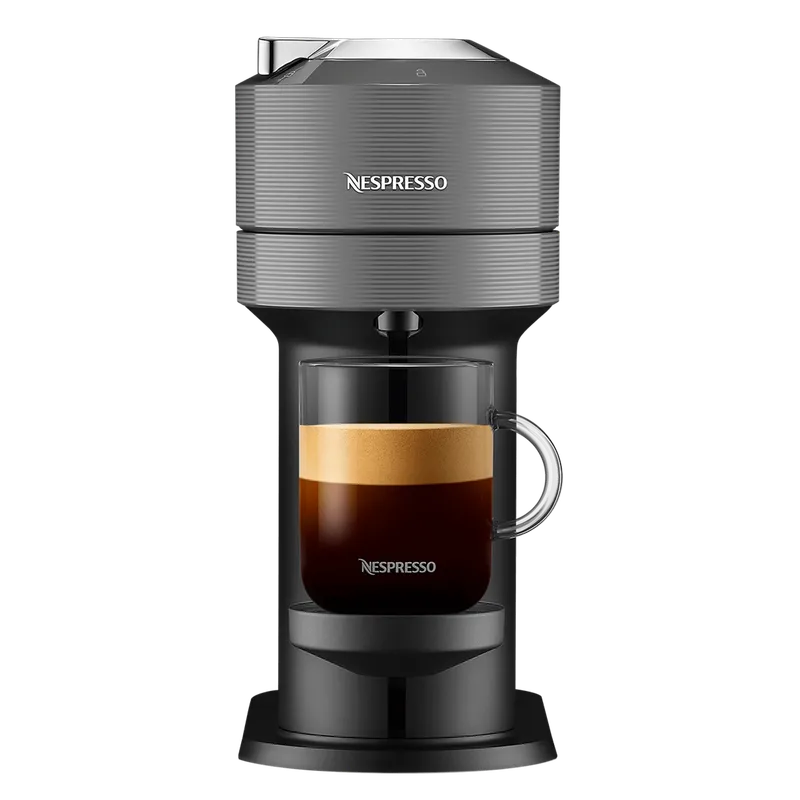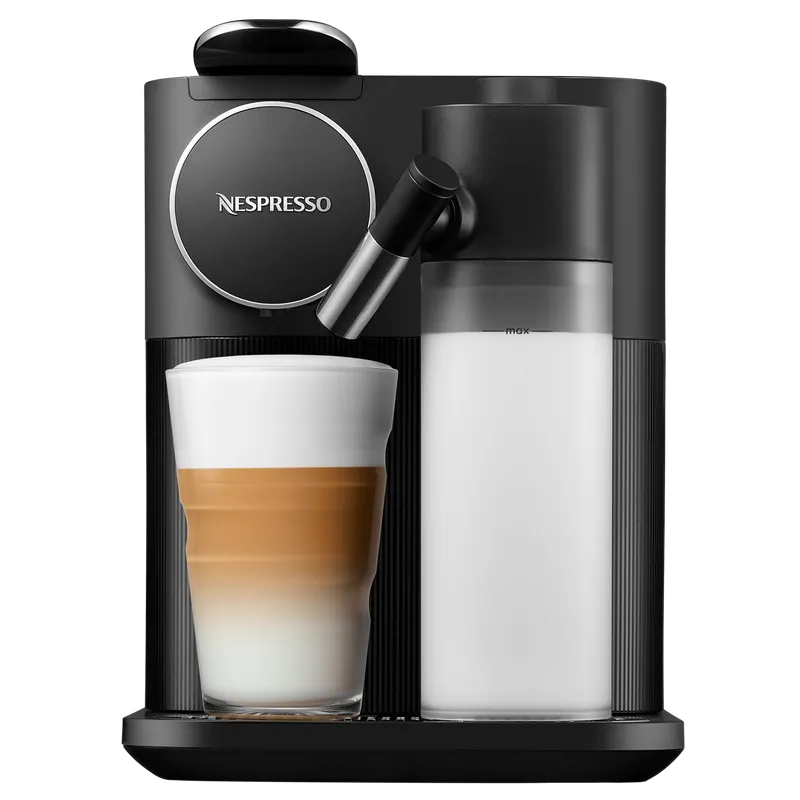
Resetting a Nespresso machine can help when cup volumes seem wrong, a setting was changed by mistake, a Bluetooth or app pairing issue keeps repeating. But a factory reset is not a repair. It will not remove limescale, clean coffee residue, fix leaks, repair a pump, or make the wrong capsule system compatible.
This guide keeps the process safe. Nespresso models do not all use the same buttons, lights, or reset sequence, so do not copy a code from another machine. Use this as a decision path, then confirm the exact command in your model manual.
Quick Answer
To reset a Nespresso machine safely, remove any capsule, empty the used capsule container, refill and seat the water tank, and identify the exact model name. Follow the reset instructions for that model only. After the reset, test with water first if your machine allows it, then brew one compatible capsule. If the issue is leaking, no water flow, electrical smell, repeated error lights, or very slow extraction, troubleshoot or contact support instead of relying on reset.
What a factory reset usually changes
A factory reset usually returns user-adjustable settings to default. Depending on the machine, that may include programmed cup volume, auto-off behavior, pairing status, or preference settings.
Reset affects settings, not physical condition. If your machine is dirty, blocked, scaled, leaking, or damaged, resetting it will not clean or repair it. Think of reset as a settings refresh, not a maintenance routine.
Before you reset: identify the system
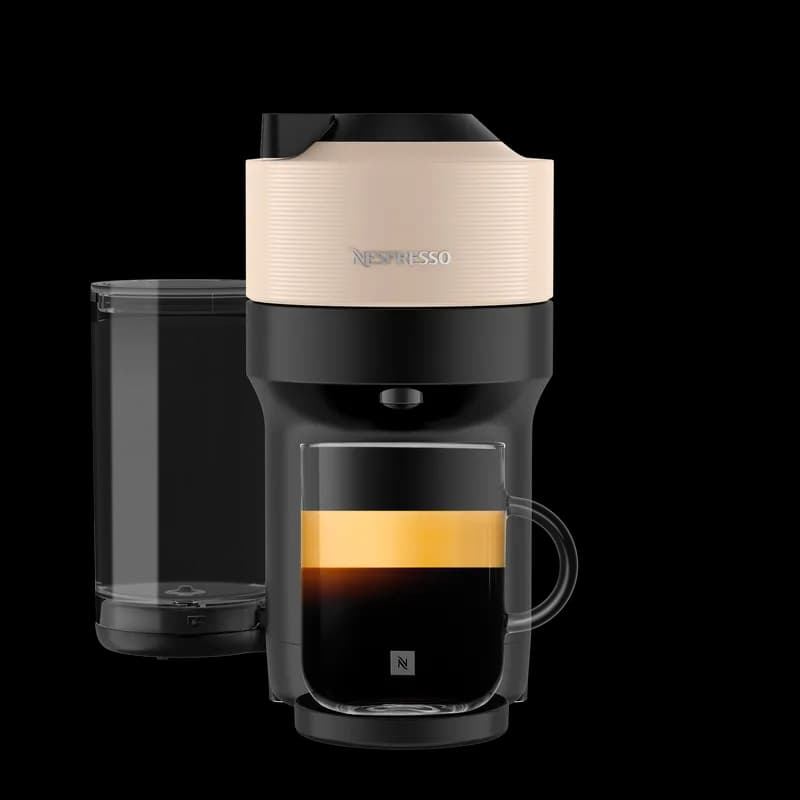
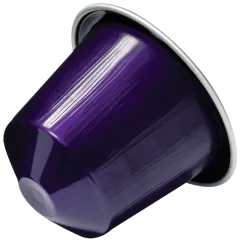
Separate Nespresso Original and Vertuo first. Original machines use Original capsules and are usually built around espresso and lungo-style drinks. Vertuo machines use Vertuo capsules and brew different cup sizes depending on the capsule. Original capsules do not work in Vertuo machines, and Vertuo capsules do not work in Original machines.
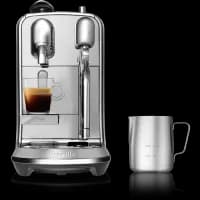
This matters because reset steps differ by system and model. A Pixie, Essenza, CitiZ, Creatista, Lattissima, Vertuo Next, Vertuo Pop, or Vertuo Plus should not be treated as if they all share one universal reset method.
Step 1: Check whether reset is the right fix
| Problem | Reset May Help? | Better First Move |
|---|
| Espresso or lungo volume changed | Yes | Reset or reprogram cup size |
| Used machine has strange settings | Yes | Reset, then rinse |
| App or pairing issue | Sometimes | Restart phone, app and machine |
| Slow coffee flow | Usually no | Clean and descale if due |
| Water leaking from base | No | Stop using and contact support |
| Blinking lights | Maybe | Check the manual for the exact code |
If the issue is about settings, reset is reasonable. If it is mechanical, water-related, electrical, or safety-related, reset should not be your main fix.
Step 2: Prepare the machine
Turn the machine off only if your manual says the reset starts from off mode. Otherwise, leave it in the required ready mode. Remove the capsule, empty the used capsule container and drip tray, refill the tank with fresh water, and make sure the tank is seated correctly.
Place a cup under the outlet in case water runs during or after the process. Keep the lever, head, or capsule chamber closed unless the manual says otherwise.
Step 3: Find the exact reset command
Look for the model name on the machine body, packaging, order confirmation, or manual. Then follow the specific reset instruction for that model. Do not copy a button sequence from a different model just because it looks similar.
Guessing can accidentally change cup volume, start descaling mode, trigger pairing mode, or make troubleshooting harder.
Step 4: Test after the reset
After completing the model-specific reset, let the machine finish its light sequence. Run a water-only cycle only if your model allows it. This helps confirm that the machine wakes up, pumps water, and exits reset mode correctly.
Then brew one normal capsule in the correct system. For Vertuo, use a Vertuo capsule. For Original, use an Original capsule. Do not force a capsule that does not belong to the machine.
Common mistakes
| Mistake | Why It Causes Trouble | Safer Alternative |
|---|
| Guessing reset buttons | Models differ | Use the model manual |
| Resetting instead of descaling | Scale is physical buildup | Descale when due |
| Resetting a leaking machine | Leak may involve seals or internal paths | Stop and contact support |
| Forcing the wrong capsule | Reset cannot change compatibility | Match Original with Original, Vertuo with Vertuo |
| Ignoring repeated errors | Reset may hide the pattern briefly | Note the symptom and seek support |
When to stop and get help
Stop using the machine if water leaks from the base, the cable is damaged, the machine smells electrical, it trips power, the head will not close safely, or the same error returns after correct cleaning, descaling, and reset. Official support, replacement parts, and accessories can vary by country.
FAQ
Will factory reset fix a leaking Nespresso machine?
No. A reset changes settings. It does not repair seals, tanks, tubes, or internal parts.
Does reset remove limescale?
No. Descaling is separate. If coffee flow is slow or the machine asks for descaling, use the correct descaling process for your model.
Can I use the same reset sequence on all Nespresso machines?
No. Reset commands vary by model. Always confirm the exact machine name before following a button sequence.
Final next step