
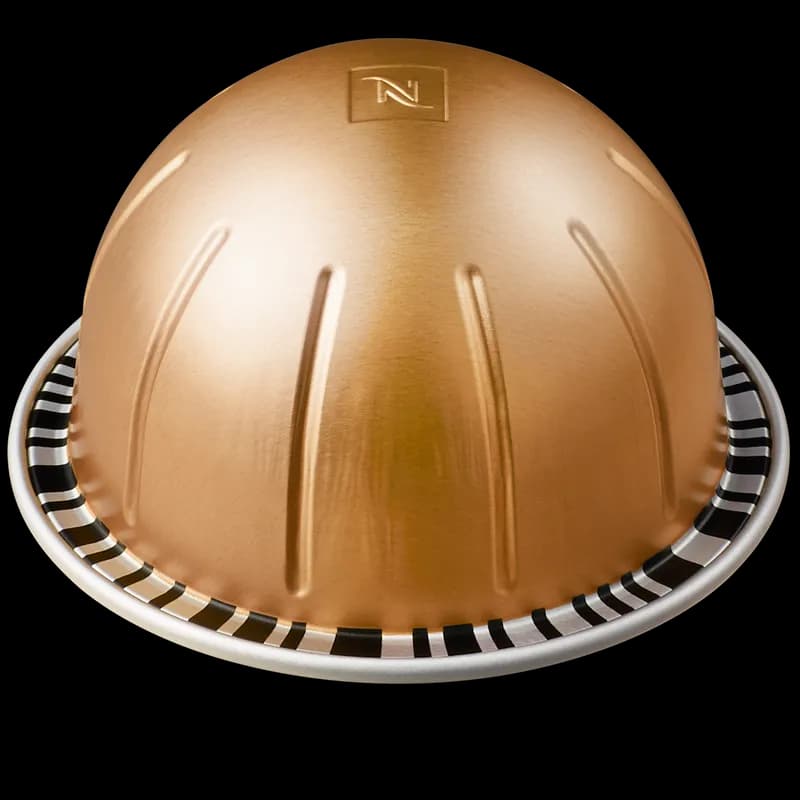
Vertuo machines read a barcode printed around the rim of every pod. That code tells the machine the cup size, the spin speed and the water temperature, so a machine that cannot read it will not brew at all. It is also why third-party and refillable pods do not work in a Vertuo: there is no code for the machine to read.
Below is a table of symptoms and fixes, then each check in the order Nespresso's support pages give it: the pod, the reader, the cleaning cycle and descaling, a head that will not lock, and finally a reset or a call to Nespresso. The Amazon cards are fresh Vertuo pods for testing and, at the end, replacement machines. Prices change often; the cards show Amazon's current price.
Vertuo capsule not recognised: symptom, cause, fix
Blinks with one pod, fine with others
- Likely cause
- Damaged or dirty barcode on that pod
- First fix
- Try a fresh pod from a new sleeve
Blinks with every pod
- Likely cause
- Grounds or film on the reader window
- First fix
- Clean the reader with paper, then run the cleaning cycle
Spins, stops, no coffee
- Likely cause
- Capsule holder not spinning freely
- First fix
- Clean the holder; check it turns by hand
Head will not lock or unlock
- Likely cause
- Pod seated badly or grounds in the hinge
- First fix
- Open, reseat the pod, clean the head area
Works after cleaning, then fails again
- Likely cause
- Scale building up
- First fix
- Descale, then run the cleaning cycle twice
Third-party or refill pod
- Likely cause
- No Nespresso barcode
- First fix
- Use Nespresso Vertuo pods only
Work down the table in order. Most machines are back after the first two rows.
Check the pod first
Take the pod out and look at the rim. The barcode is the ring of fine lines printed on the underside of the lip. If it is scratched, dented, smeared with coffee or wet, the reader cannot see it. Try a fresh, undamaged pod from a new sleeve, ideally a common coffee such as Melozio, before anything else.
If the fresh pod brews, the first pod was the problem. Pods dented in shipping, pods from a sleeve stored somewhere humid, and pods that have been opened and closed in the machine are the usual culprits. Third-party, refillable and Original capsules never work, because they carry no Vertuo barcode.
Also check that the pod sits flat in the holder with the dome facing up. A pod pushed in at an angle may close but not read, especially the larger Alto and mug sizes.
WhichCapsule note: One fresh pod from a new sleeve rules out most causes in under a minute.
Compare on Amazon
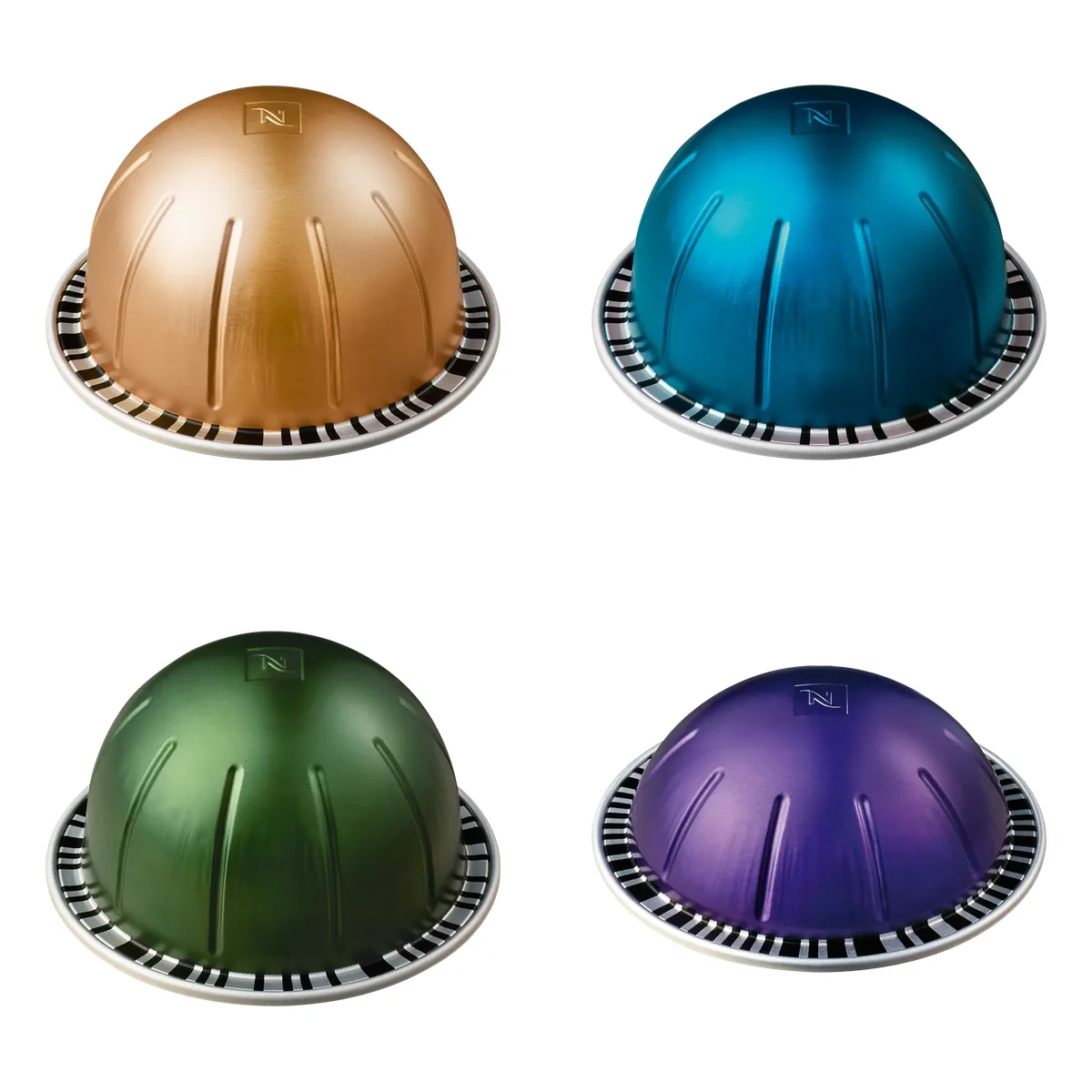
Opens your local Amazon store where available · Paid links
Clean the barcode reader and the capsule holder
If every pod blinks, the reader is the likely cause. It is a small window inside the head that looks at the spinning rim. Nespresso's FAQ describes cleaning it by folding a sheet of paper towel or soft paper and sliding it about 5 cm into the gap where the pod rim sits, then moving it gently along the reader to wipe off grounds and coffee film. Do not use metal, abrasive pads or liquid cleaners.
Then look at the capsule holder, the part the pod sits in. It should spin freely by hand. Grounds and dried coffee under its edge can slow it, which stops the machine from reading the code at the right speed. Wipe it with a damp cloth and make sure nothing is wedged underneath. Owners on iFixit describe grounds on the reader as the most common cause of the blinking error.
WhichCapsule note: Paper about 5 cm into the gap, no metal or liquid, and a holder that spins freely.
Run the cleaning cycle twice, then descale
After cleaning, run the machine's cleaning procedure, which flushes hot water through the head with no pod in place. Nespresso's support pages suggest running it twice when a machine has refused pods. The procedure differs by model: on many Vertuo machines you open the head, close it without a pod and press the button several times quickly; the manual for your model gives the exact steps.
If the machine reads pods again for a few days and then fails, limescale may be building up inside, which is common across much of southern and eastern England. Run a full descale with Nespresso's descaling solution, then the cleaning cycle twice. Our step-by-step descaling guide covers every Vertuo model, and descaling Vertuo vs Original machines explains why the steps differ.
WhichCapsule note: Two cleaning cycles after any reader fix; descale if the problem keeps coming back.
When the head will not lock or the pod is not pierced
A Vertuo head that will not lock is a different fault from a pod that is not recognised, but they look similar from the outside. If the lever or button will not close the head, open it fully, remove the pod and check for a used pod stuck inside or grounds around the hinge. Never force the head shut.
If a used pod is stuck in the holder, our guide on what to do when a Nespresso capsule is stuck shows how to remove it safely with the machine unplugged. If water comes out but the pod is not pierced, or water appears around the head, read the Nespresso leaking guide before brewing again.
WhichCapsule note: Do not force a head that will not lock; clear the pod and the hinge first.
Reset, call Nespresso or replace the machine
If the machine still blinks with fresh pods after cleaning and descaling, try a factory reset, which clears the settings and the descaling counter. The button sequence is different on each Vertuo model; our Nespresso reset guide lists them. The meaning of each blink pattern is in our Nespresso lights guide.
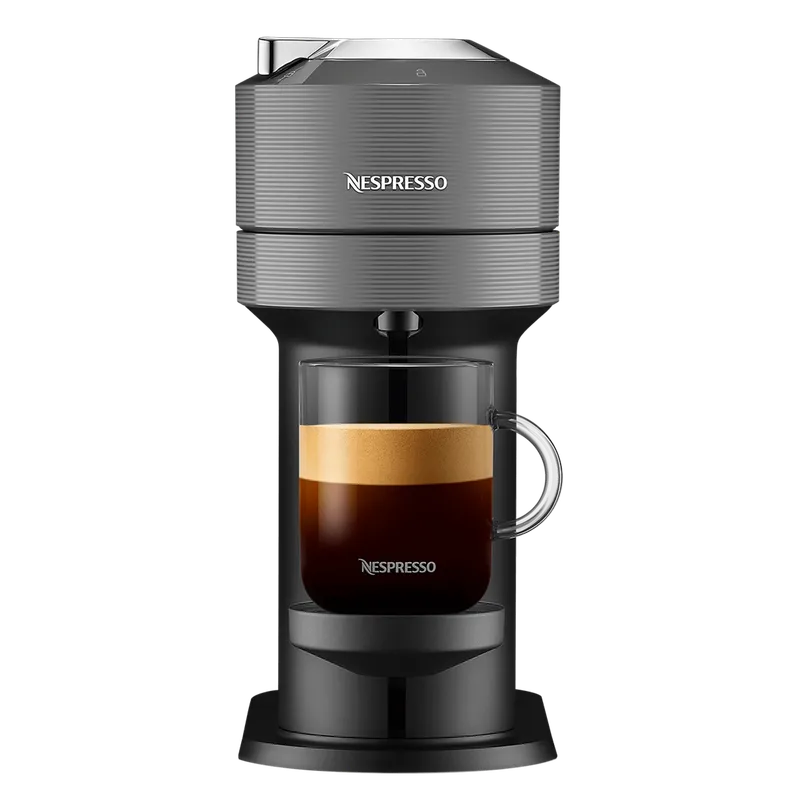
After that, contact Nespresso support with the serial number from the base of the machine. A machine under warranty that cannot read pods after these steps usually has a faulty reader or motor, and Nespresso will repair or exchange it. Out of warranty, compare the repair quote with a new machine: the Vertuo Pop+ and Vertuo Next are the usual replacements and brew the same pods you already have.
WhichCapsule note: Reset, then Nespresso support with the serial number; out of warranty, compare the quote with a new machine.
Compare on Amazon
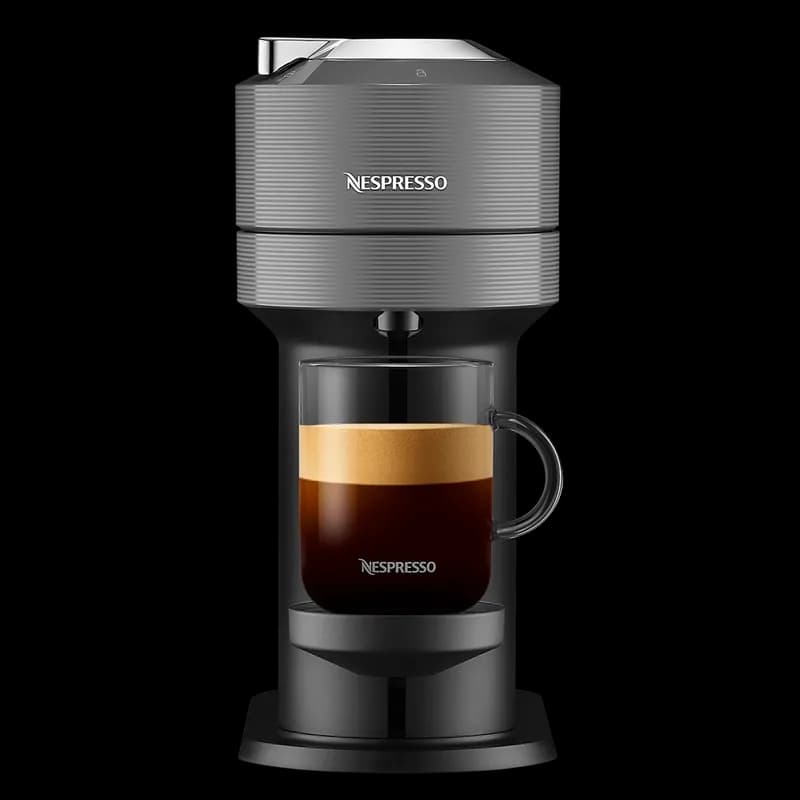
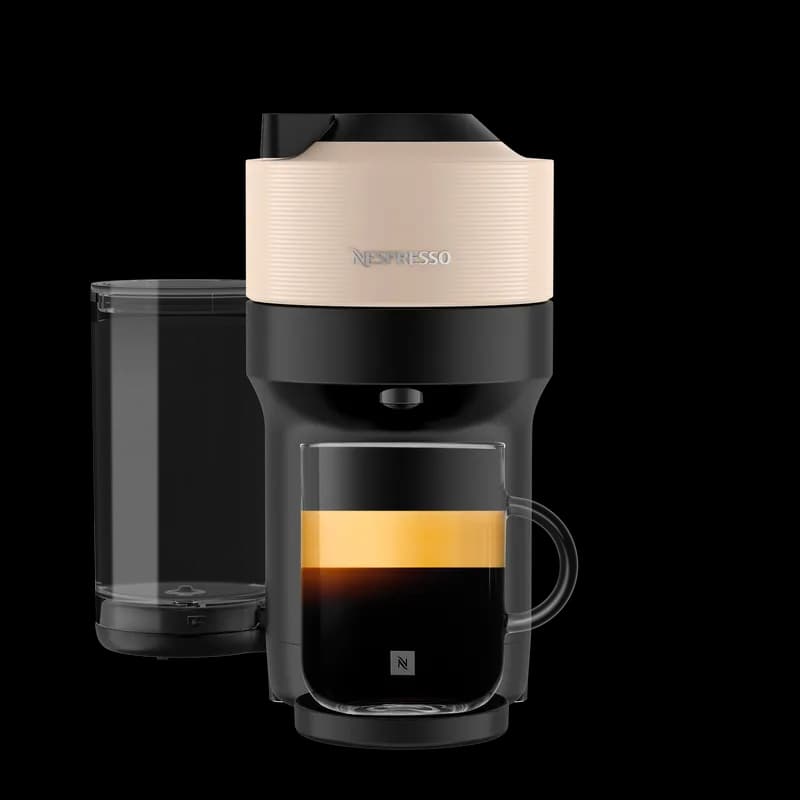
Opens your local Amazon store where available · Paid links
What people actually ask
Why does my Vertuo say capsule not recognised?
The machine cannot read the barcode on the pod rim. A damaged or dirty pod, grounds on the reader window or a capsule holder that does not spin freely are the usual causes.
How do you clean the barcode reader on a Vertuo?
Fold soft paper, slide it about 5 cm into the gap where the pod rim sits and wipe the reader gently. No metal, abrasives or liquid cleaners.
Can a Vertuo machine use third-party or refillable pods?
No. Vertuo machines only brew pods with Nespresso's barcode, so third-party, refillable and Original capsules are not recognised.
Why does my Vertuo blink orange or red?
Blink colours vary by model. On many machines a fast orange or red blink with a pod means a reading or locking fault; the manual lists each pattern.
Does descaling fix a Vertuo that will not read pods?
Sometimes. If the reader is clean and the fault keeps returning, limescale may be the cause. Descale, then run the cleaning cycle twice.
When should I contact Nespresso UK?
When fresh pods still fail after cleaning the reader, running the cleaning cycle twice, descaling and a reset. Have the serial number ready.
Who should buy which version
- One pod fails, others work: the pod is damaged; finish the sleeve only if the rest read normally.
- Every pod fails: clean the reader and the capsule holder, then run the cleaning cycle twice before anything else.
- Nothing helps and the machine is out of warranty: compare the repair quote with a new Vertuo Pop+ or Vertuo Next, which use the same pods.
The bottom line
A Vertuo that will not recognise a capsule is usually dirty, not broken. A fresh pod, a clean reader, a capsule holder that spins and two cleaning cycles fix most machines, with descaling and a reset as the next steps. Only after that is a support call or a replacement worth thinking about.
If you end up replacing the machine, the machine finder compares current Vertuo and Original models by cup size, milk and counter space.
View the picks on Amazon
Opens your local Amazon store where available · Paid links